Web Request Completed
The Web Request Completed field type verifies whether a specific background web request has finished executing before the automation advances to subsequent fields.
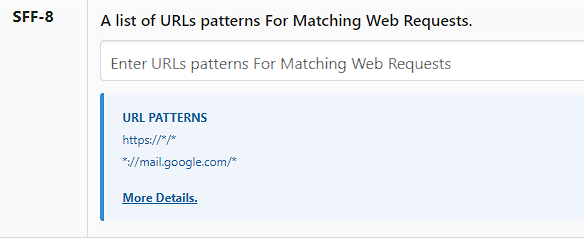
Before using this, provide the target web request URL in the extension Settings so the background monitor can observe that URL pattern.
Field Options
Request URL Type
- Match with Full URL — Matches complete request URL.
- Match with RegEx — Flexible regular expression matching for dynamic request URLs.
Request Method
- GET
- POST
- PUT
- PATCH
- DELETE
- OPTIONS
- HEAD
Timeout to Match Web Request (Minutes)
If the Web Request does not match after the timeout interval specified in this option expires, the field returns False and logs a timeout.
Delete the web request data after completing this field
If you are monitoring a single web request, keep this option ON. If you are monitoring multiple consecutive requests, keep this option OFF for preceding steps and turn it ON on the final web request field.
Next Steps
 Request Monitor — Real-time request monitoring
 Field Settings — Advanced field options
 Excel Template — Prepare Excel (.xlsx) templates
 Site Settings — Configure site-wide automation settings